
RideForce Worker
Rides to work at a price you set for the week, an SOS ride when your car breaks down, and Mississippi jobs you can apply to.
Or use RideForce Worker in your browser On a computer? Scan this with your phone's camera.
Pick your app. Both are free. Sign in with the same account on any phone.
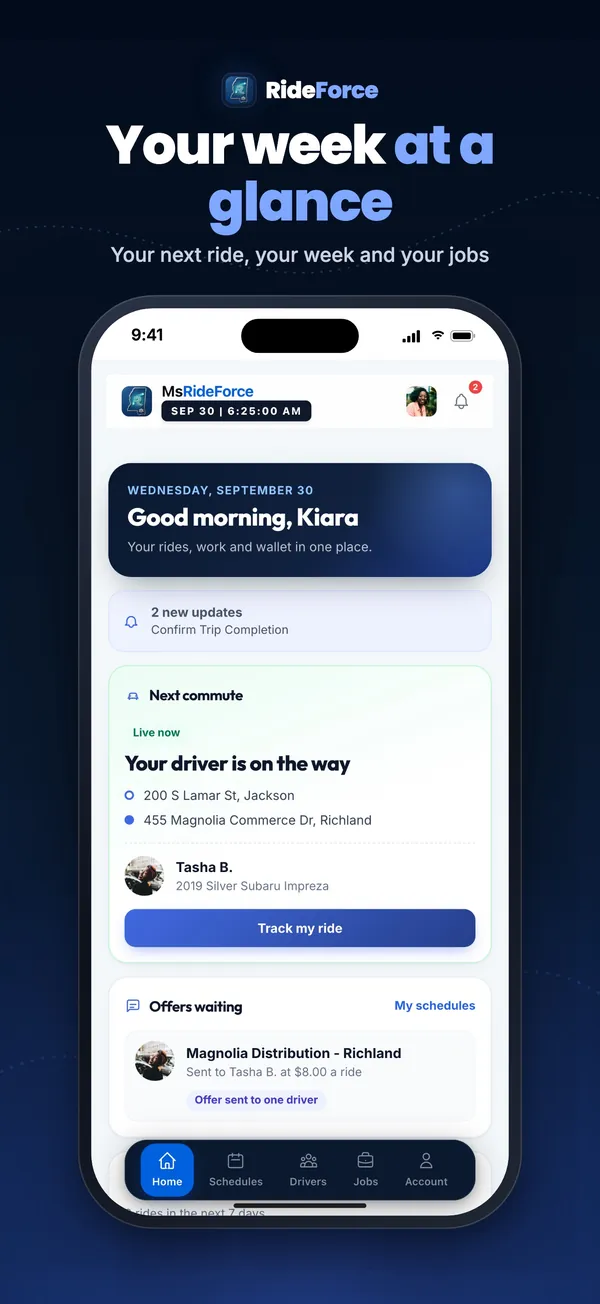
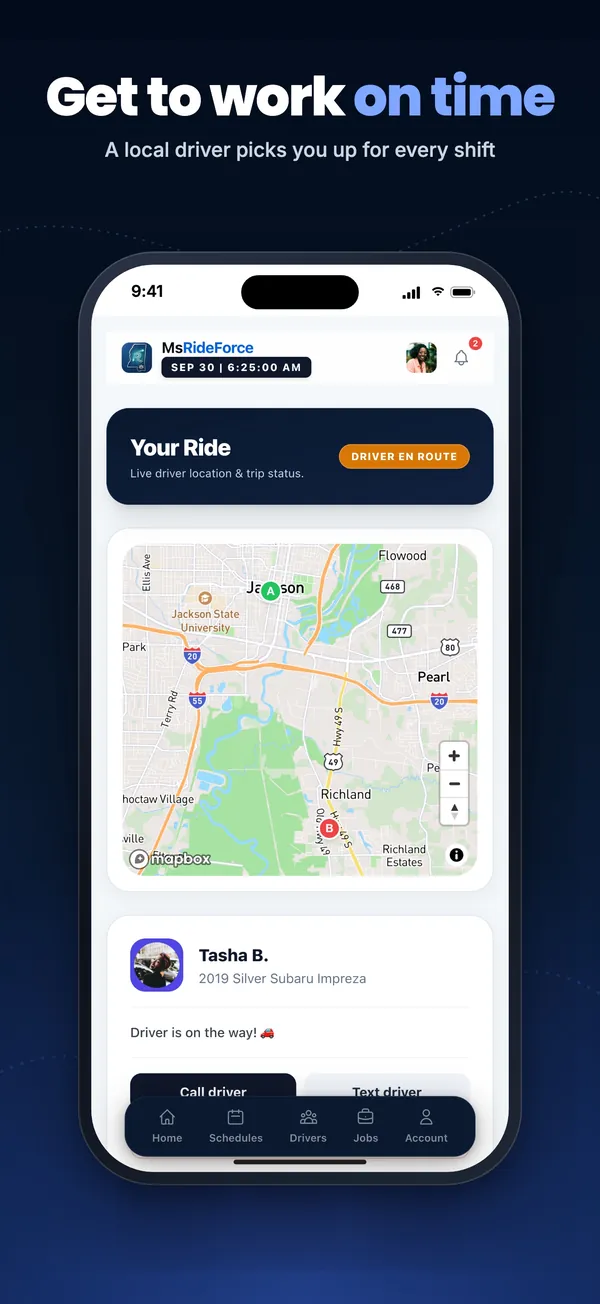
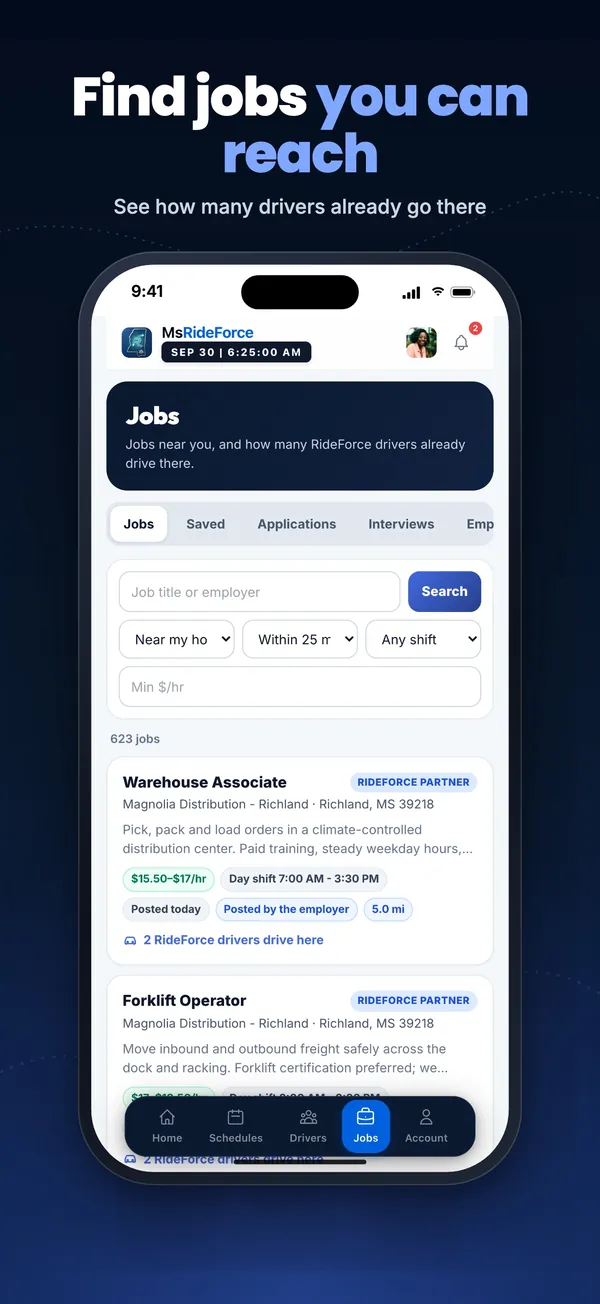
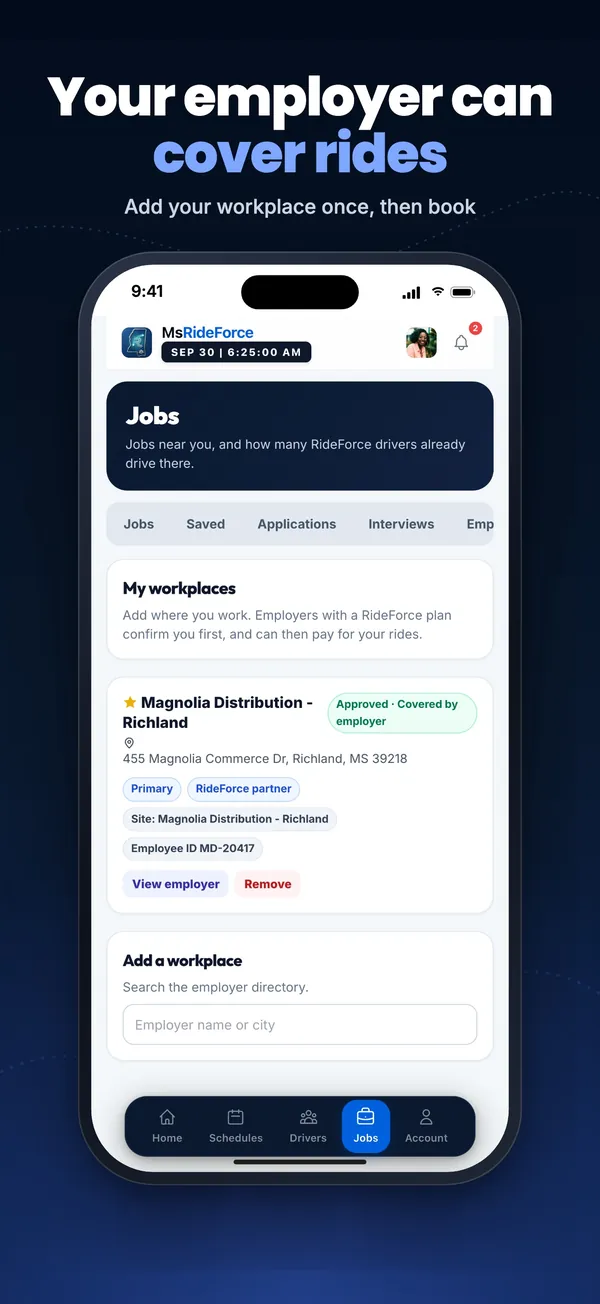
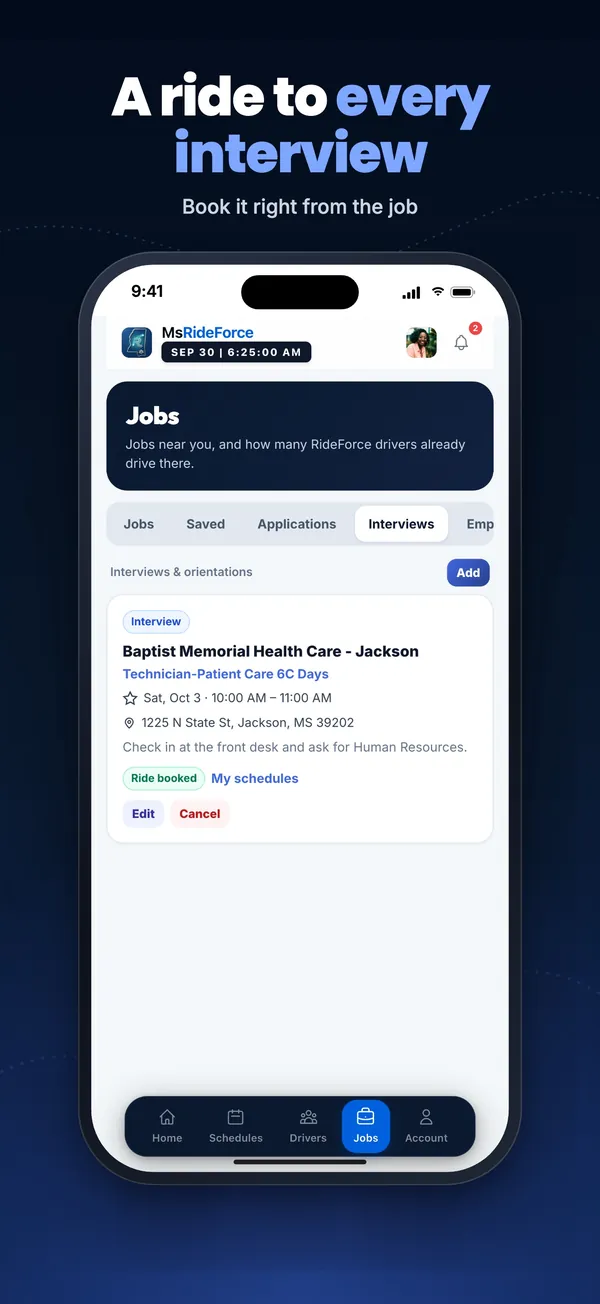
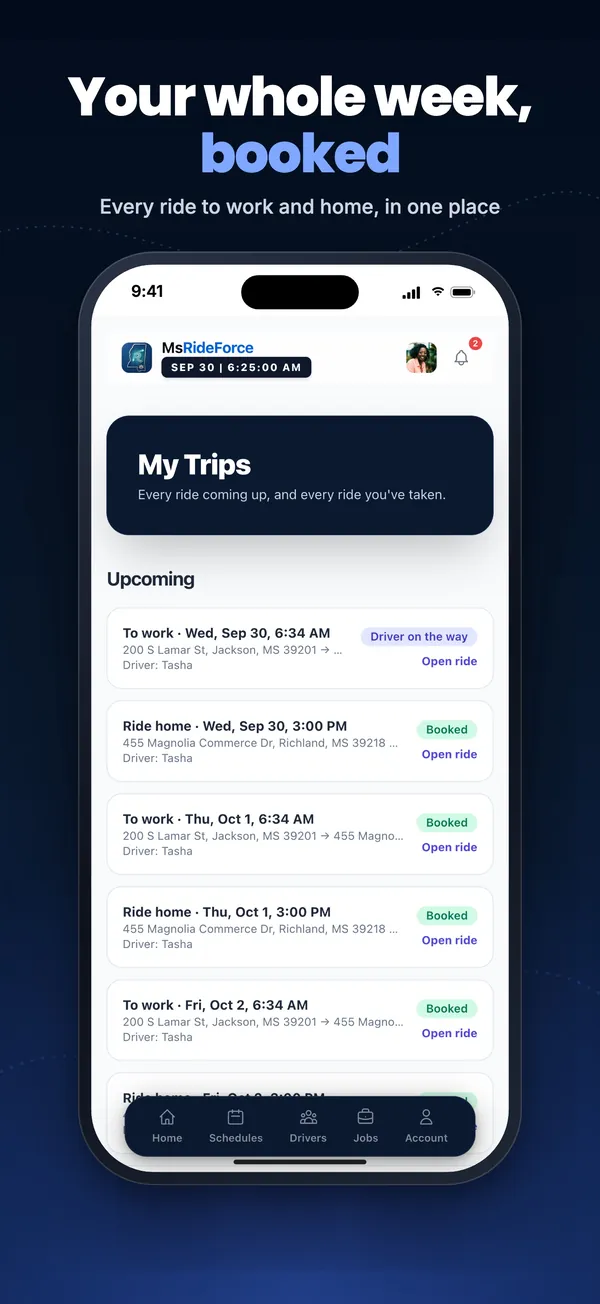
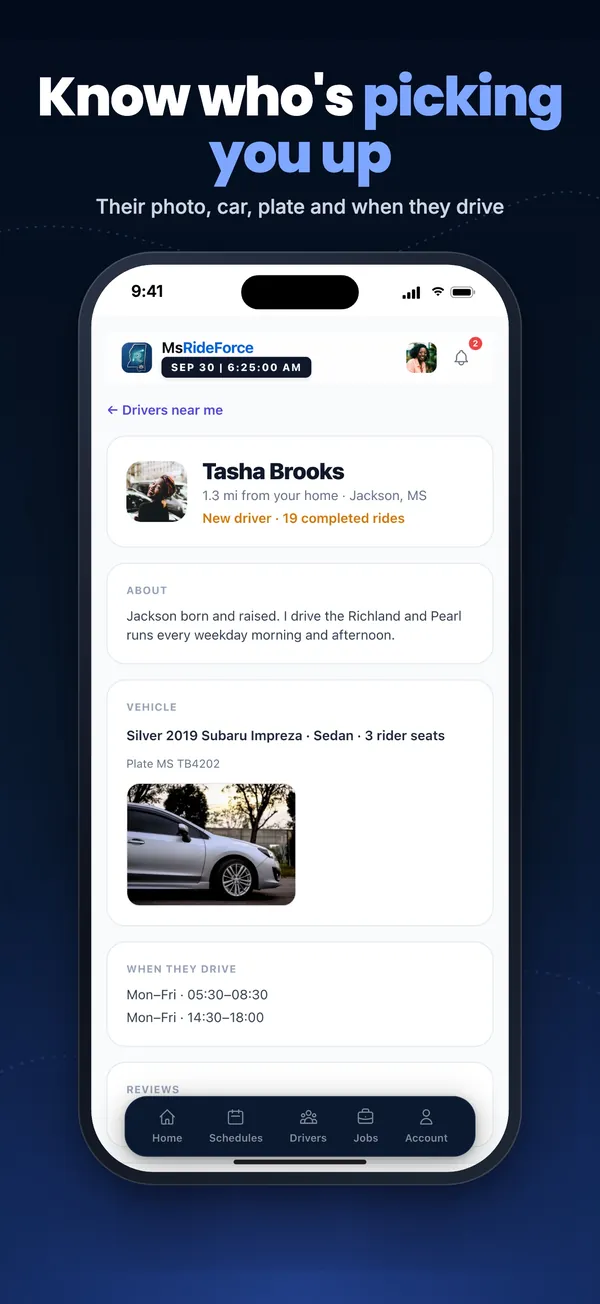
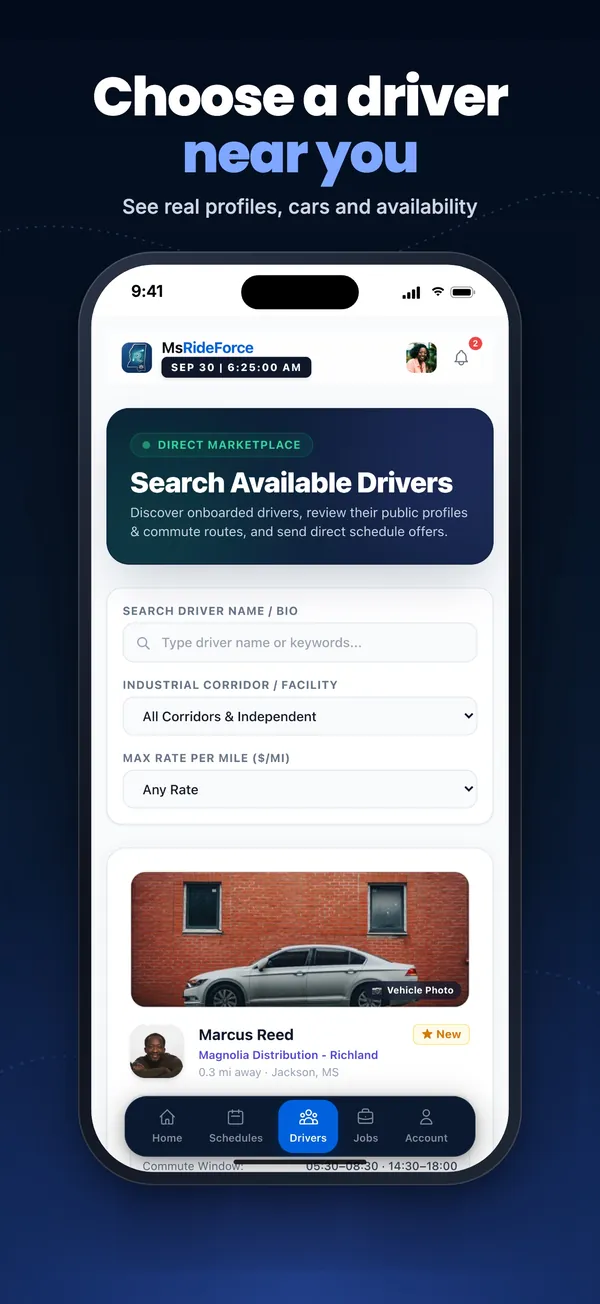
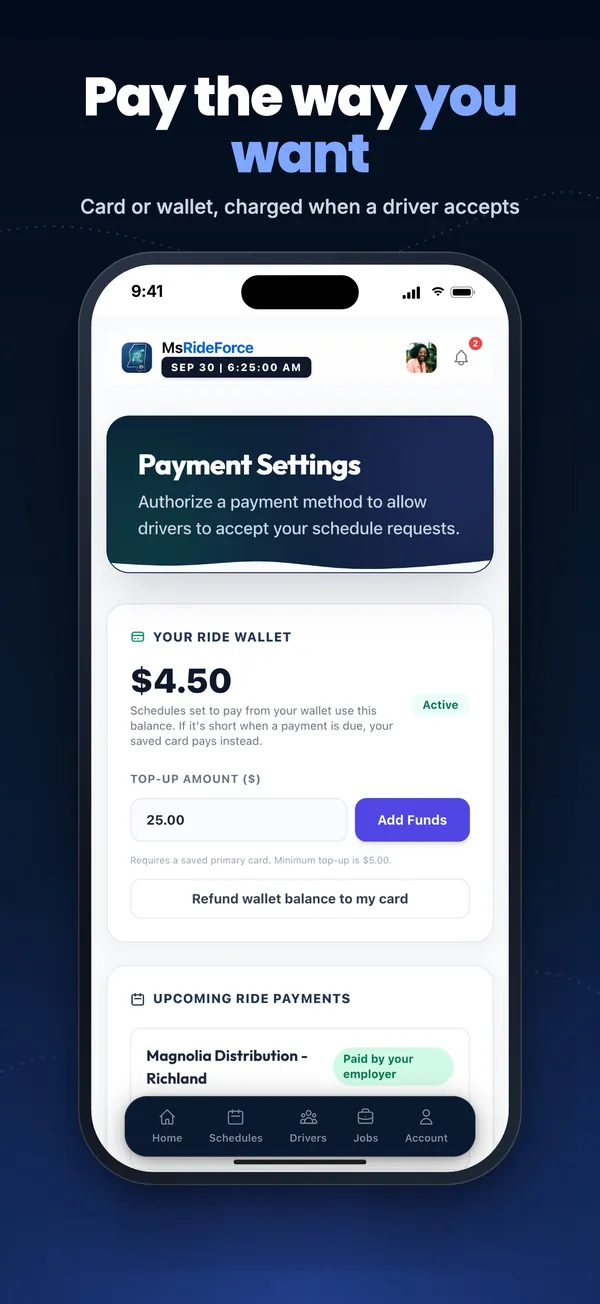
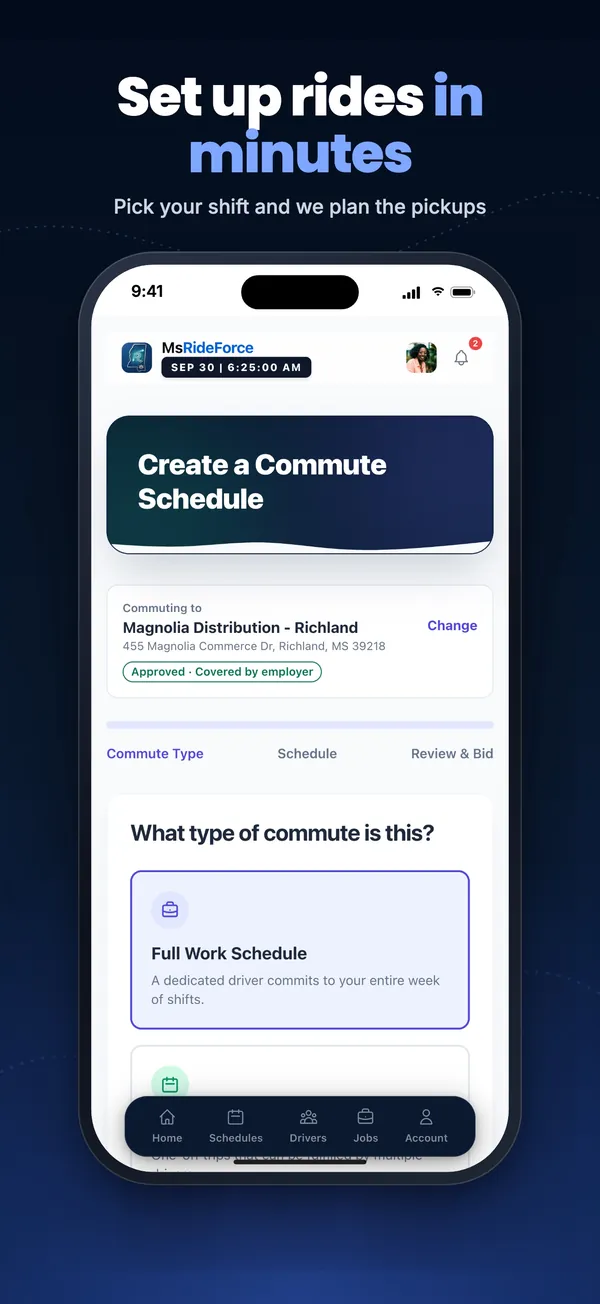
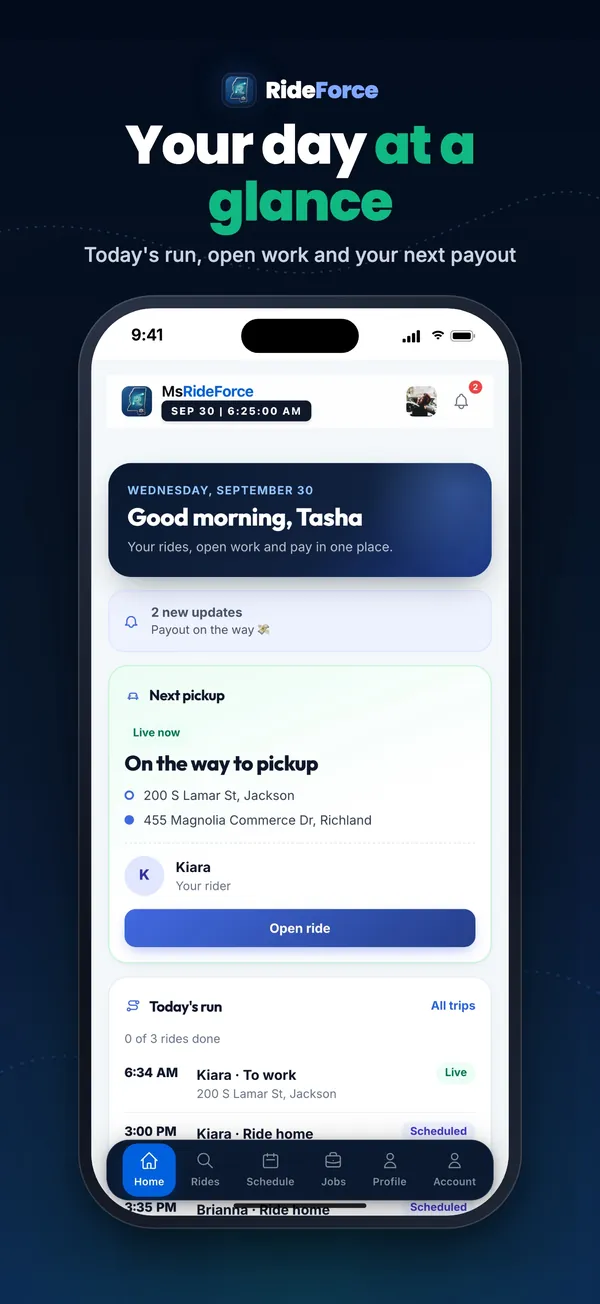
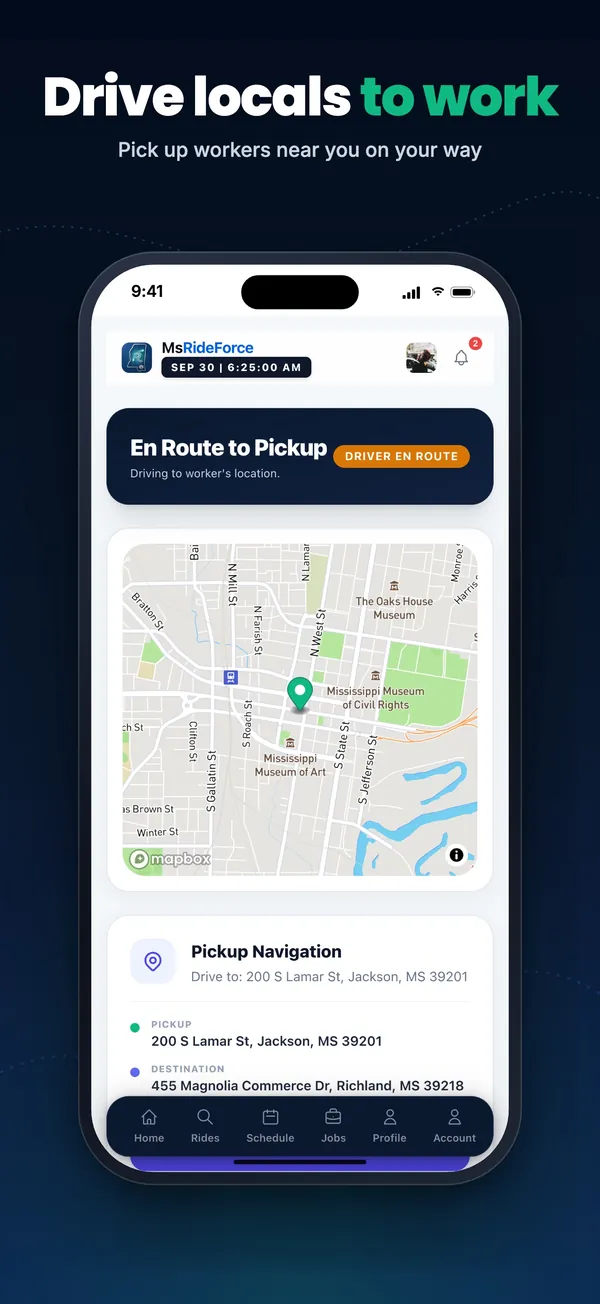
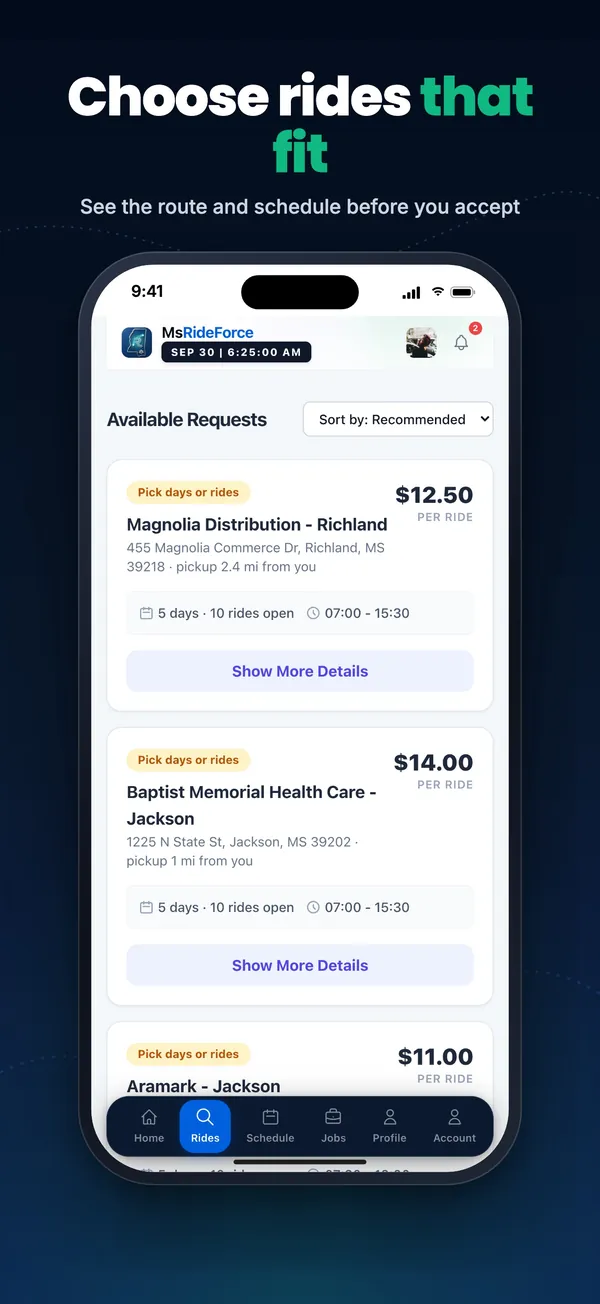
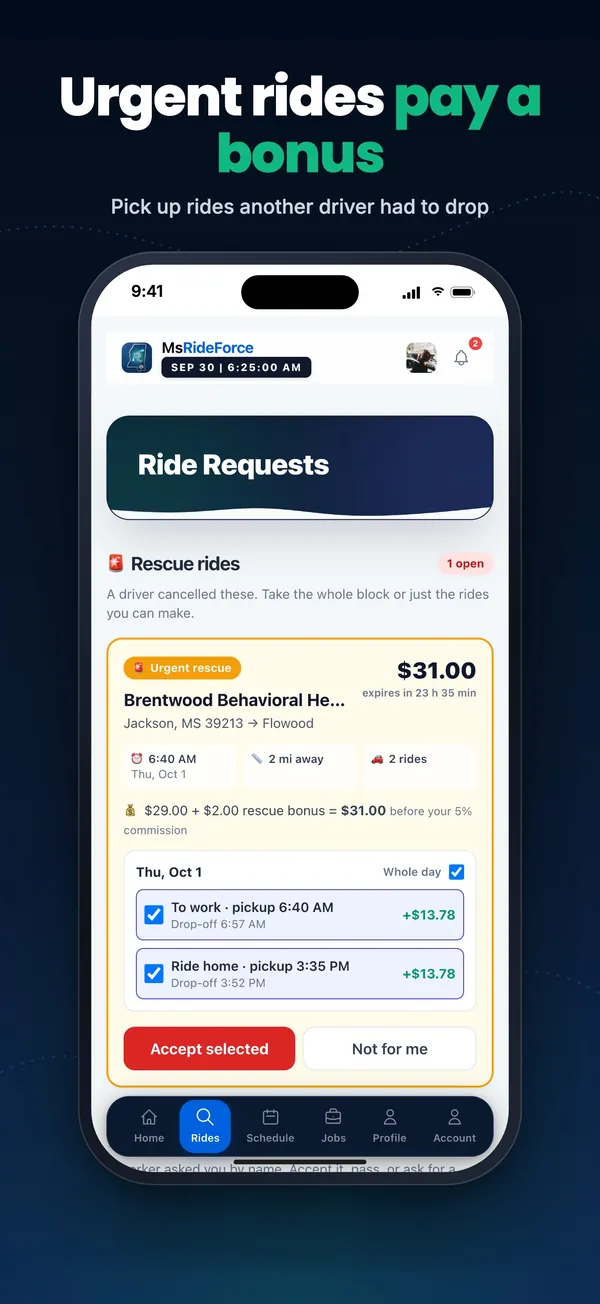
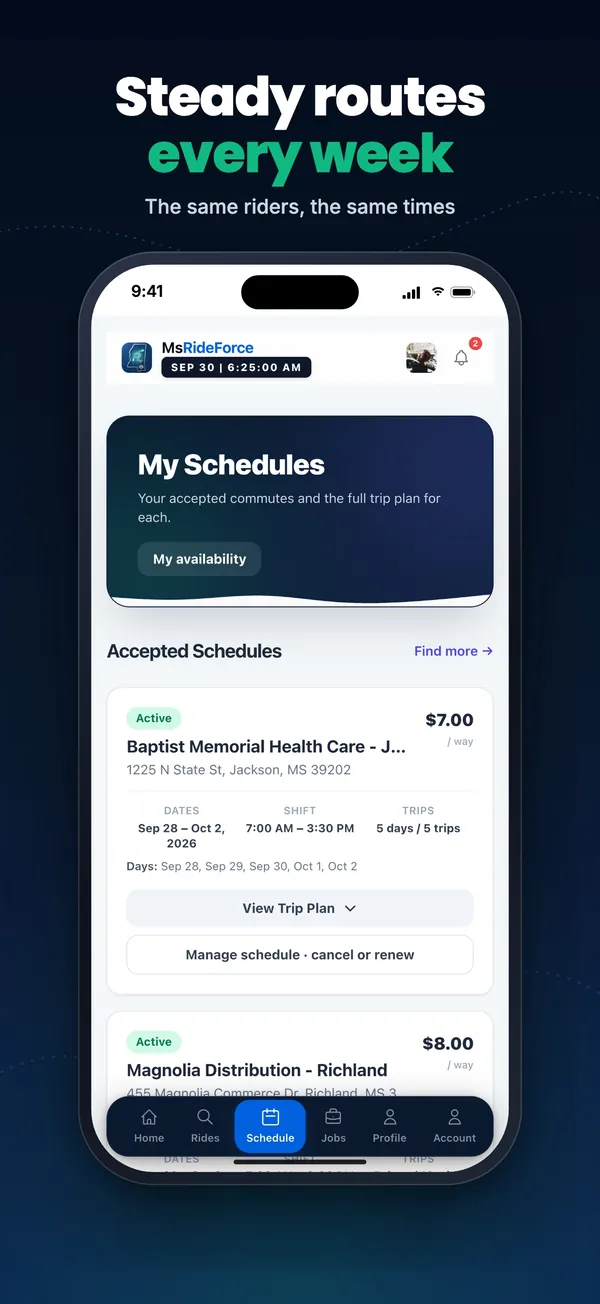
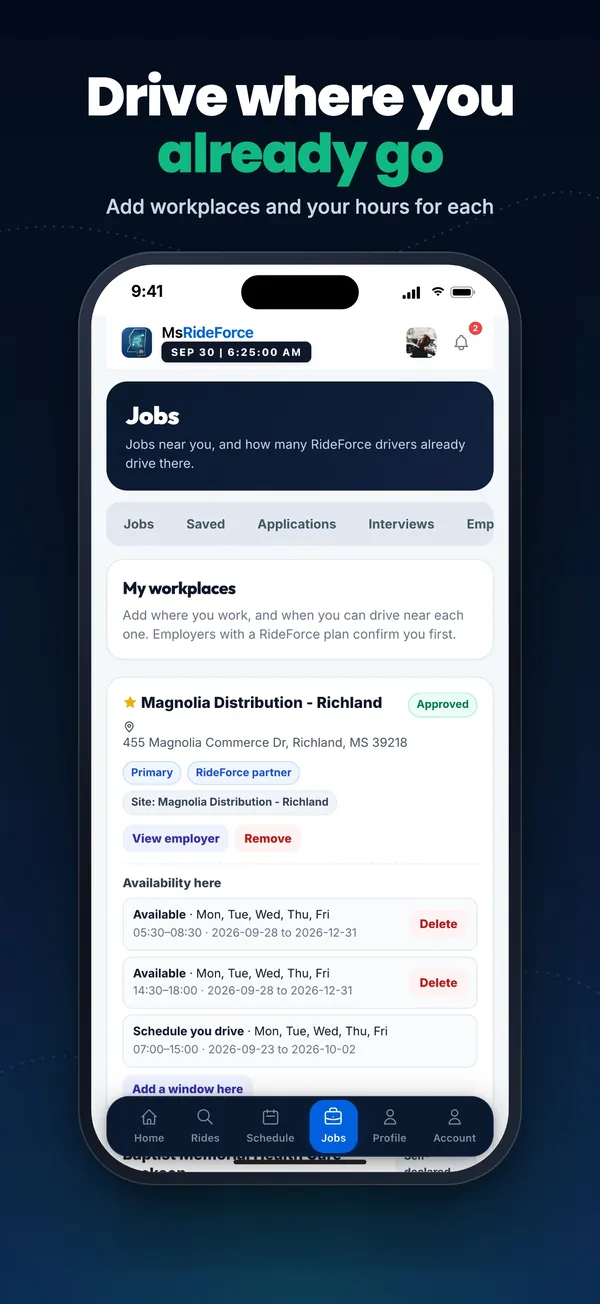
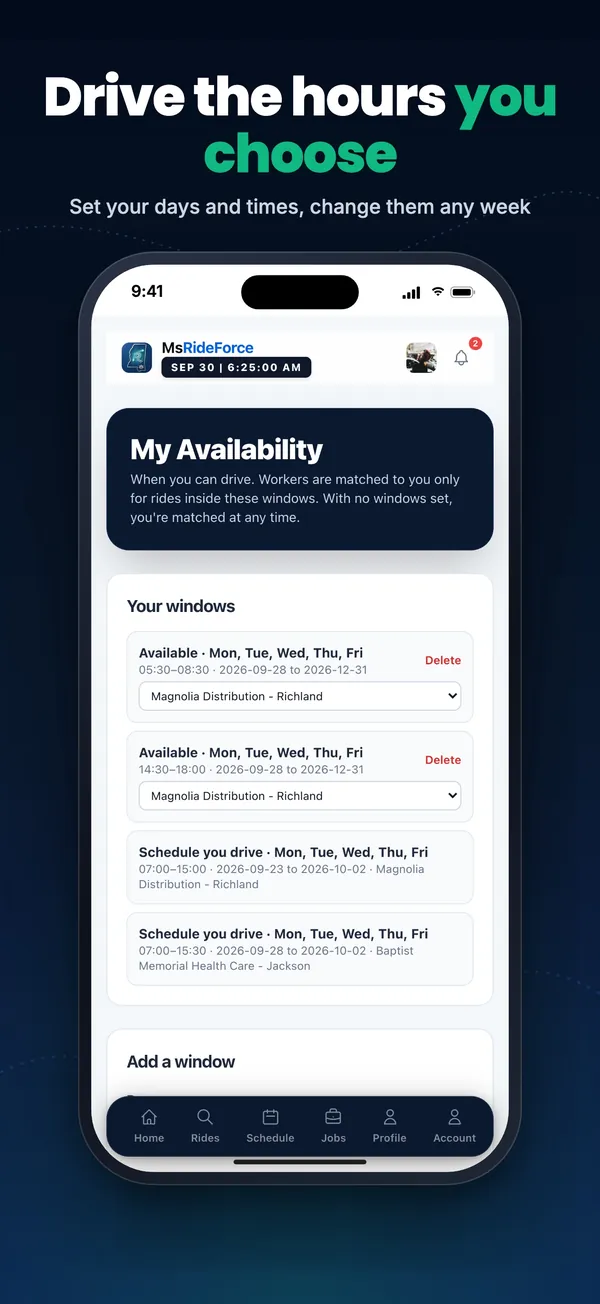
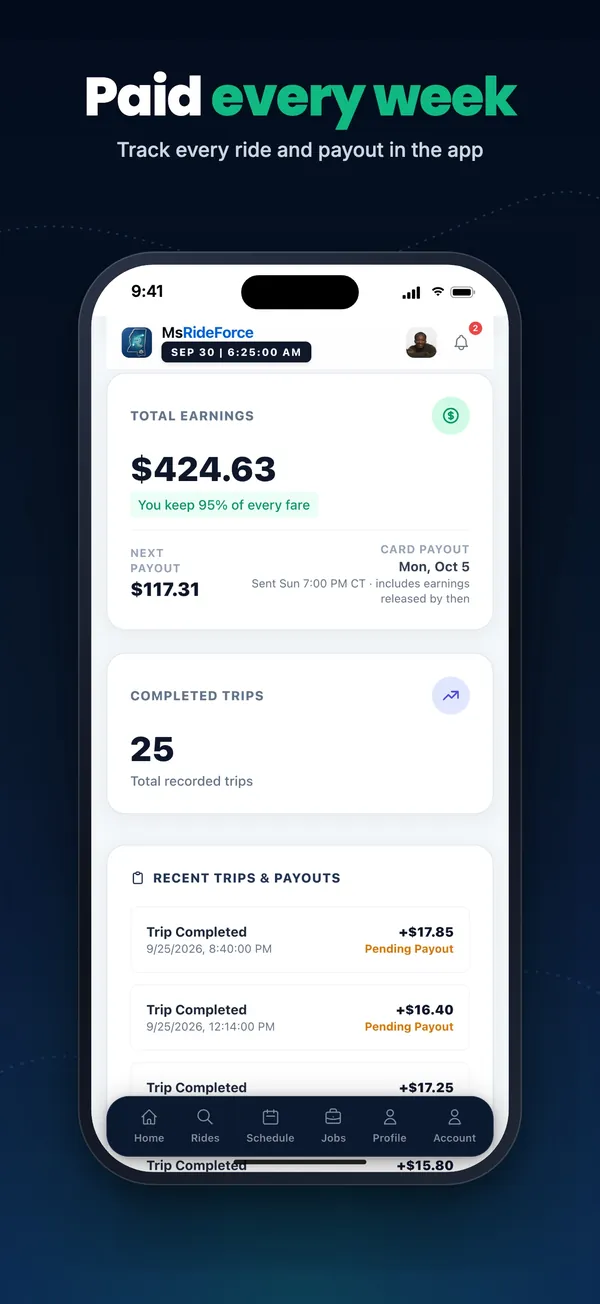
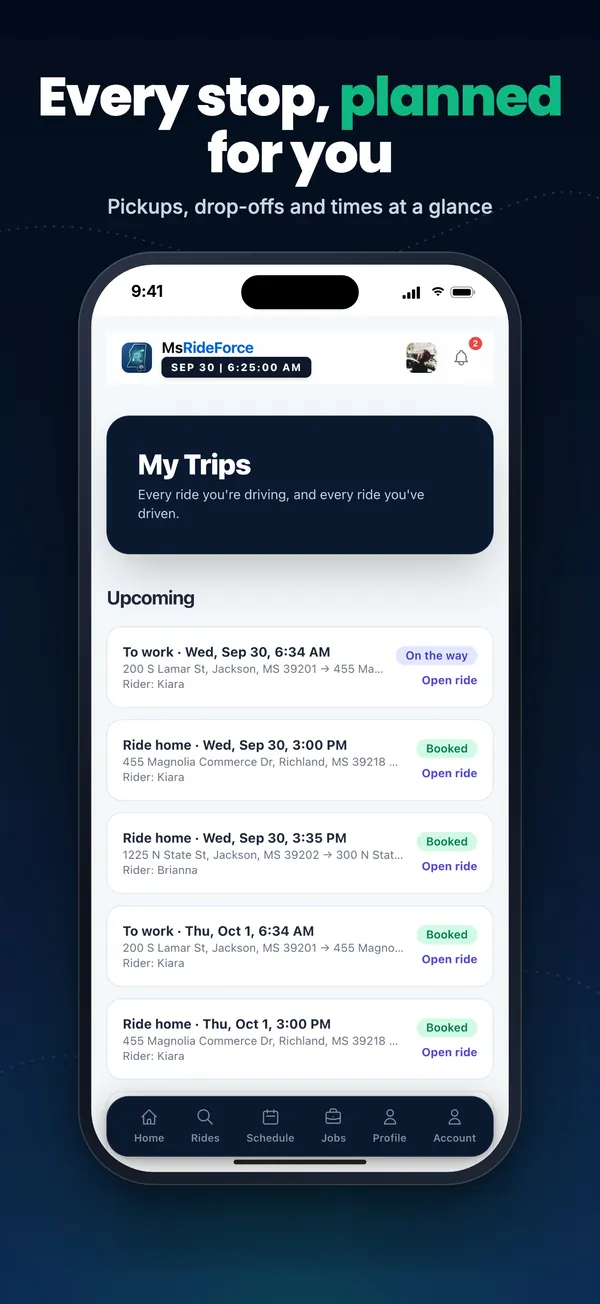
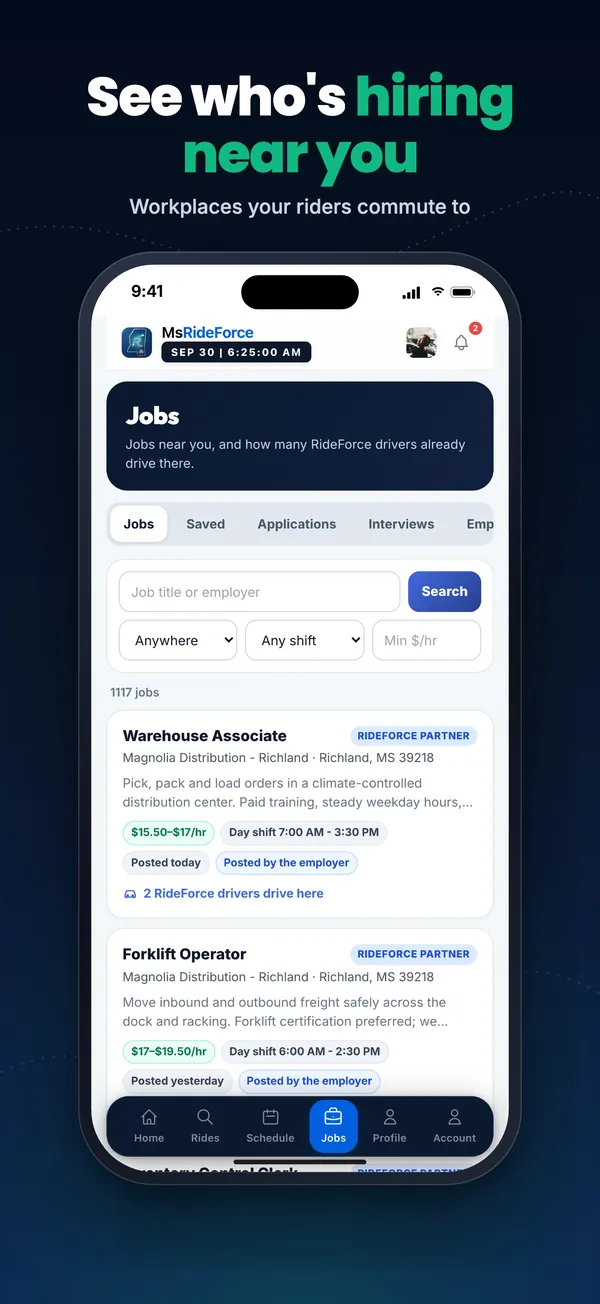
The same screens you'll see on the App Store.
Rides to work at a price you set for the week, an SOS ride when your car breaks down, and Mississippi jobs you can apply to.
Or use RideForce Worker in your browserOn a computer? Scan this with your phone's camera.Pick up scheduled rides to work. Accept, decline or counter the price, set your own hours, and keep 90% or more of every fare.
Or use RideForce Driver in your browser On a computer? Scan this with your phone's camera.
Already signed up on the website? Use the same email and password in the app. Need help? Contact support.